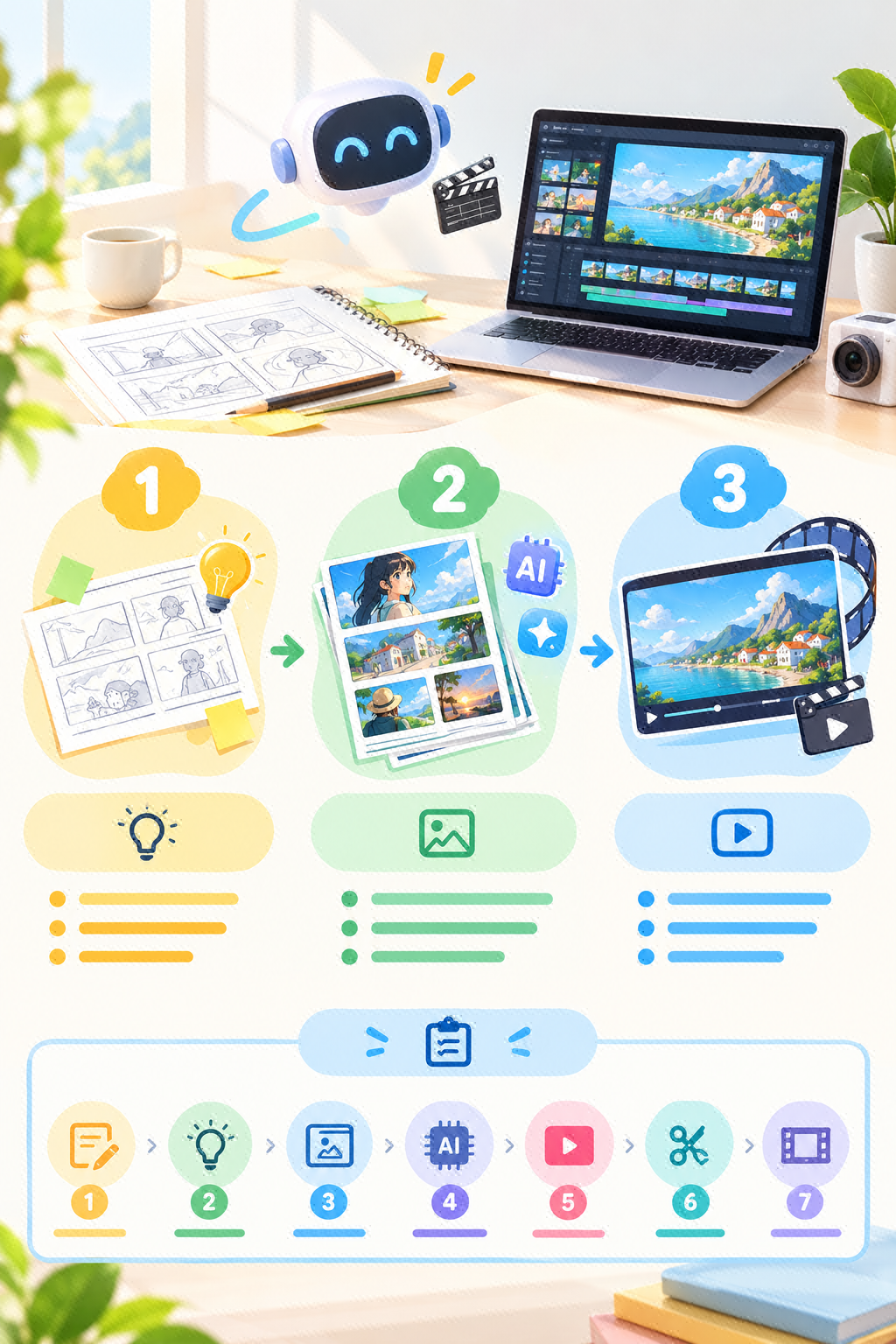
This is for anyone new to AI short dramas who wants to stand out without endless rework. Follow the process below to break down your ideas clearly, generate shots one by one, and stitch everything together smoothly, cutting down on trial and error.
Step 1: Create a "storyboard script table" in a document or spreadsheet. Break the story into shots and list five columns: shot number, visual description, dialogue, duration, and shot size. Keep each shot to 3-5 seconds for now.
Step 2: Copy each shot's visual description into an AI image or video tool, choose "image-to-video" or "text-to-video," set the parameters to 9:16 and a duration of 3-5 seconds, then name and save each generated clip by its shot number.
Step 3: Import the assets into your editing software, drag them onto the timeline in shot-number order, set all transitions to "Cross Dissolve" at 0.3 seconds, and export the final cut in 1080P.
Bookmark this first, then work through the checklist step by step for a smoother process.