Introduction
Open any content platform and you are hit with the same camera moves, the same voiceover style, the same "AI look" on every cover. The tools keep getting more powerful, yet the work keeps looking more alike. Many creators are stuck in a dilemma: skip AI and you can't keep up with output; use AI and your work looks like it rolled off an assembly line. The problem isn't AI itself—it's that we treat "generation" as the starting point and leave "judgment" behind at the finish line. This breakdown walks through a controllable workflow from shot script to video generation, so AI participates in your creative process instead of taking over.
First Write the Parts AI Can't Generate, Then Hand It Over
Many people start a video by opening a generation tool, typing a prompt, and waiting for results. That is exactly where homogenization begins—a tool's default aesthetic tends toward sameness.
A more controllable approach is to work in reverse: use words to lock down what AI can't generate. Specifically, three things: emotional tone, narrative rhythm, and key details.
For example, say you're making a short film about a late-night convenience store. Don't rush to write prompts. First write in a document: the emotion is "a moment of ease inside exhaustion," the rhythm is "slow for the first 30 seconds, one small turn in the middle, three seconds of silence at the end," and the key details are "a cup of oden on the counter with the lid off" and "a bandage on the back of the clerk's hand as he yawns."
These three things determine the "human feel" of a piece, and they are exactly what generation tools are worst at. Write them down first, and every generation step that follows serves them—that's how your work stays grounded.
Write the Shot Script at an Executable Level of Detail
A shot script is not a literary description; it's a construction blueprint for the generation tool. If the detail isn't granular enough, AI will fill in the blanks with its default template.
An executable shot should include, at minimum, for each frame: shot size, subject action, ambient lighting, camera movement, and duration. For instance, don't write "the protagonist walks into the convenience store." Write "medium shot, protagonist pushes the door open and enters, one fluorescent tube overhead is flickering, static camera, 2 seconds."
Go further: annotate each frame with "what must be preserved here." For example, "must preserve: the shot of steam rising from the oden." That way, when a generation result falls short, you know whether to change the prompt or change the tool, instead of scrapping the whole segment and starting over.
This script has another benefit: it's your reference sheet for editing. No matter how much generated footage you have, you won't get lost, because the script has already fixed what each frame should look like.
Break Generation Into Controllable Small Steps, Not a One-Shot Film
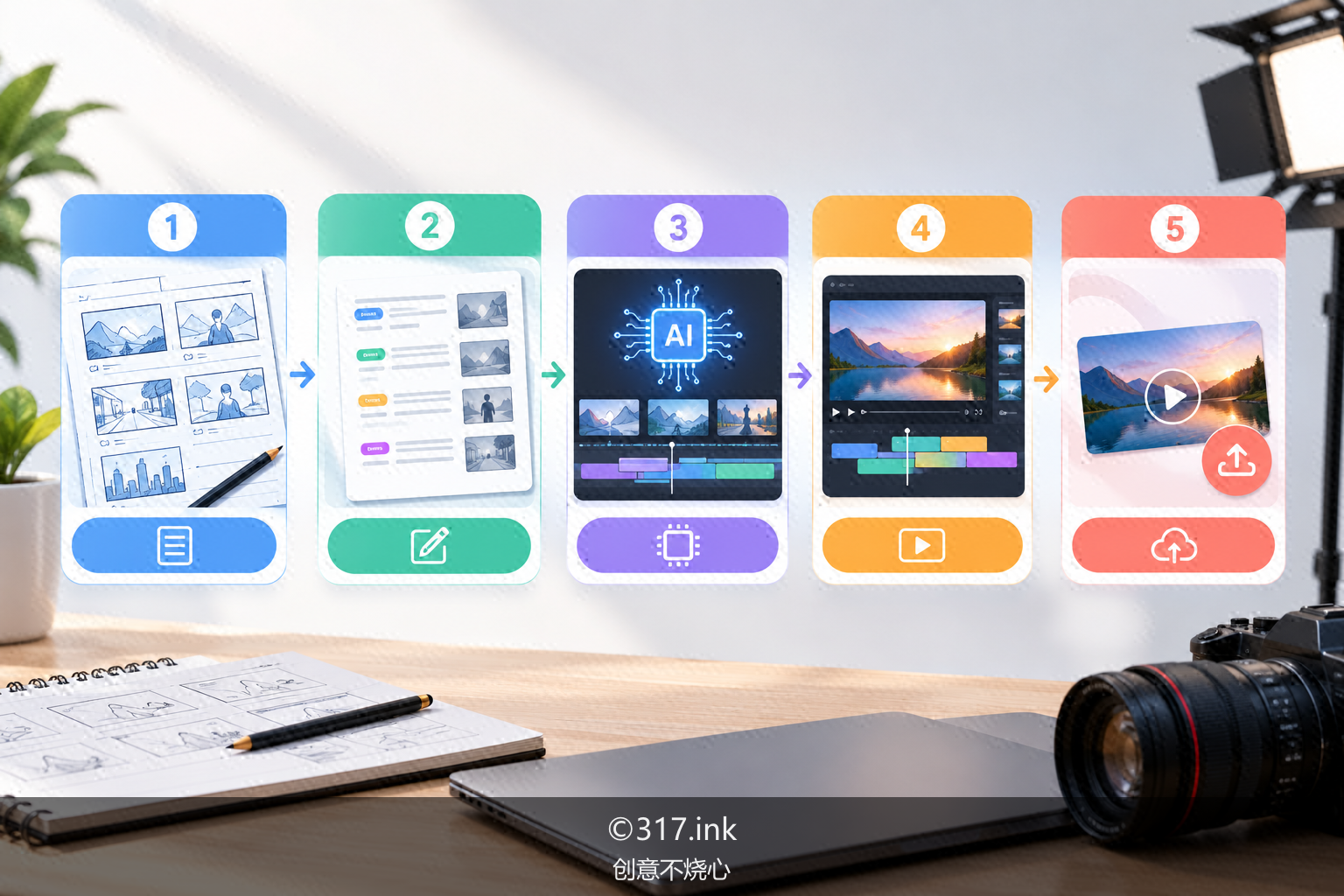
Generating an entire video in one pass is the easiest way to derail a project—and the easiest way to end up with something generic. A steadier approach is to break generation into small steps: still frames first, then image-to-video, then patch in the details.
Step one: use text-to-image to produce the "keyframe" for each shot. This step is cheap and fast to iterate on—focus on whether the composition and lighting are right. If not, revise the prompt; don't rush ahead.
Step two: pick the frame closest to your intended composition and run image-to-video. One detail here: keep the motion intensity low. The larger the motion, the more likely AI is to "improvise," and the more the image drifts toward its default style.
Step three: patch in shots or generate locally. Hands, text on signage, specific props—the places where AI tends to fail—are better generated separately and composited than re-run as a whole segment.
This workflow sounds slow, but it means less rework. The time you spend "filtering and correcting" is far less than the time you spend "regenerating whole segments and hoping for the best."
Run a Final Quality Check With a Contrast Checklist
Once the footage is in hand, before you edit, make yourself a contrast checklist and go through it item by item:
- Is there a single shot in this piece that "only I would shoot this way"?
- Is there a line in the voiceover that's a colloquial expression "AI couldn't write"?
- Is there a pause or jump cut in the rhythm that "breaks the pattern"?
- Does the sound layer include real ambient audio, rather than wall-to-wall music?
You don't need to check every box—but you should hit at least two. A piece that hits none will most likely drown in the sea of homogeneous content. Contrast isn't about being deliberately weird; it's about leaving your judgment as a specific human being in the work.
Closing Call to Action
Next time before you start, spend twenty minutes writing "emotional tone, rhythm, key details" on a piece of paper before you open any generation tool. When a piece is done, run it through the contrast checklist above and note which step took the most time and which step went off track most easily. Collect these notes over time and you'll have your own controllable workflow. Tools will keep changing, but your judgment about your own work is the one thing others can't copy.
>>>