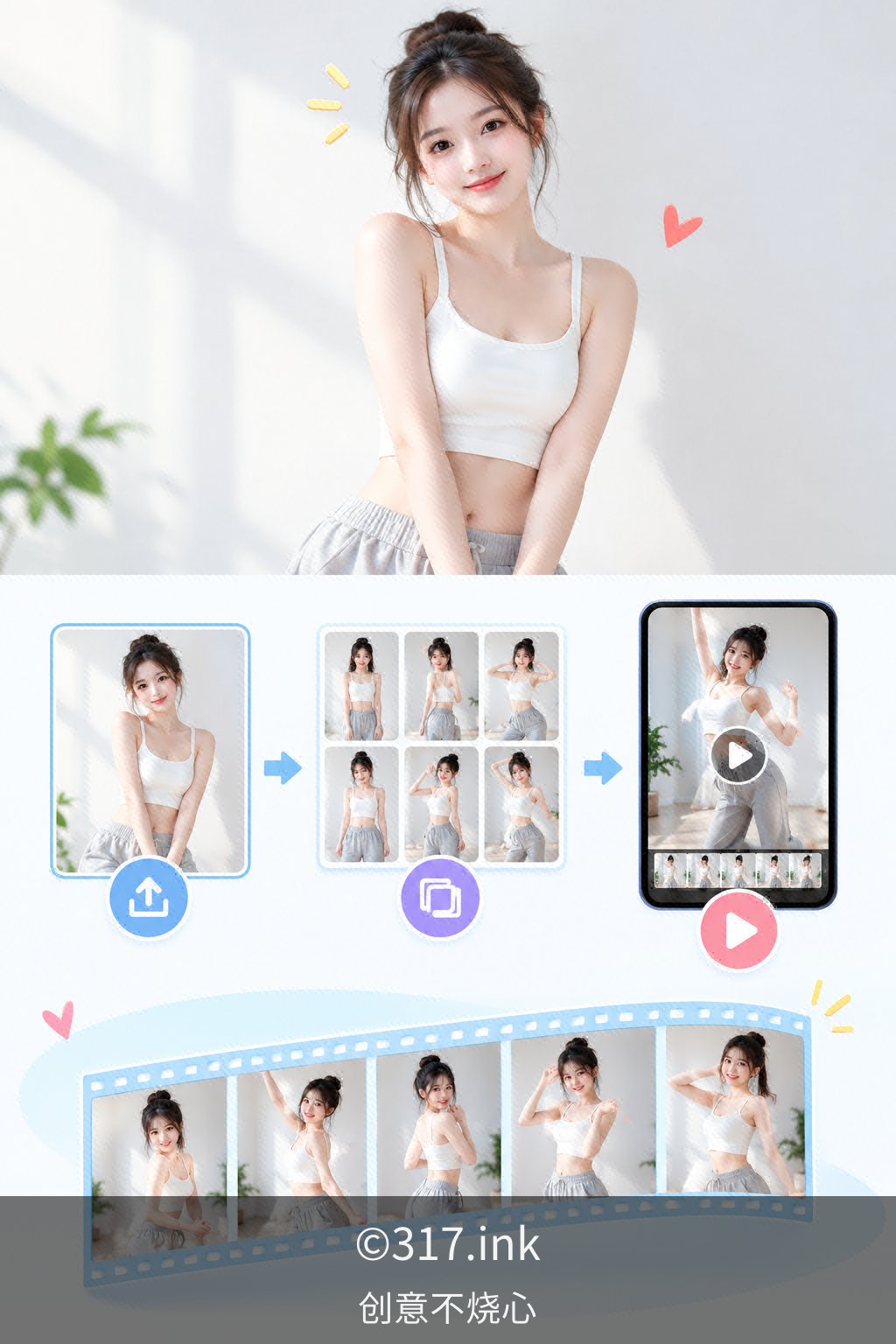
In the past, the biggest headache when shooting dance videos was having only a single photo of a person but wanting multi-shot switching effects. Manual editing meant matching movements frame by frame, struggling to sync music beats, and dealing with awkward jumps between shots. Sometimes after finishing a segment, you'd realize the expressions looked unnatural and have to redo the whole thing—all your time wasted on endless adjustments.
Then I tried a different approach: upload a single photo of a person as the first frame, let the image "come alive" from that static starting point, then split the dance into multiple segments and generate each shot separately, finally stitching the clips together in rhythm. The key steps were confirming the lighting and composition of the first-frame photo, generating dance clips from different camera angles segment by segment, and then unifying the rhythm alignment.
The change after using this method was striking. A十几-second multi-shot dance video that used to take half a day from selecting materials to final cut now takes just the time of a coffee break to generate and stitch together. Camera transitions went from jarring jump cuts to smooth, connected movements, and the character's expressions and clothing stayed consistent across different angles—no more disjointed "different person" feeling. A friend watched and asked if I'd hired a team to shoot it. In reality, I'd just gotten comfortable with first-frame and segmented generation.
Parameter settings checklist:
- First-frame photo: front-facing, clear, even lighting, clean background
- Number of segments: split by dance sections, one camera angle per segment
- Shot transitions: use movement connection points as stitching points
- Rhythm alignment: lock in music beats before generating clips
- Pre-output check: character consistency, movement continuity